What it is
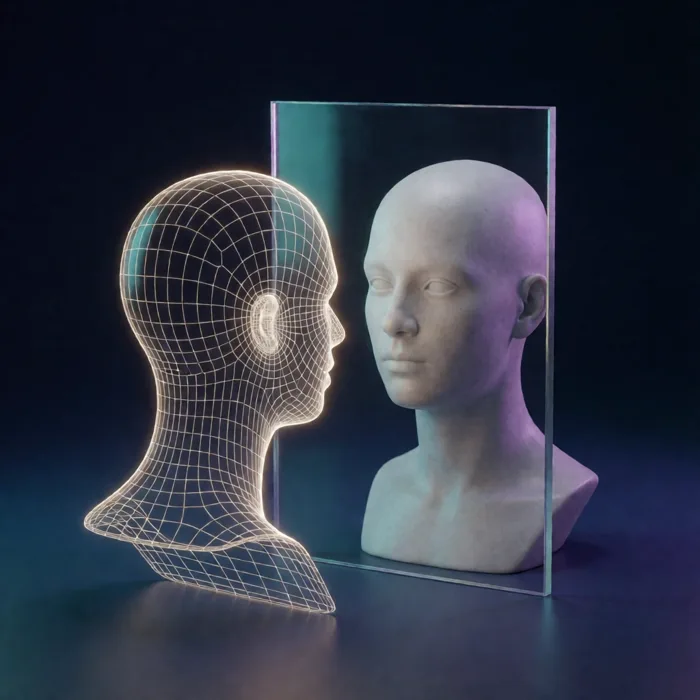
MorphStudio AI turns a photo and a script into a video of that person speaking.
You type the words, pick a voice, and it renders an MP4 you can post.
What happened when we used it
We typed a short script and pressed Generate.
A thirteen-second portrait video came back in under two minutes.
The lip-sync was clean. The head moved and the eyes blinked the way a person's do, so it didn't have the frozen look these tools often have.
The spoken words matched the script exactly — no dropped lines, no mangled words.
That is the headline: it did what it says, on the first try, quickly.
What you should know before you buy
It runs on credits, not on a monthly fee.
The app bills about five credits for every second of finished video, and it tells you so as you build.
The front-end card in the app lists 1,500 credits, which at that rate is a few minutes of finished video in total.
More than that needs a credit pack. Plan for it, and you won't be surprised.
Test short before you render long. A three-second test costs almost nothing and catches a mispronounced word or a wrong-sounding voice before you spend on the full version.
The front-end tier is 720p and up to two minutes a video. Higher resolution and longer videos sit in the upgrades.
On languages, we can only tell you what we saw. The sales page says 70+ languages on Pro. The picker we saw showed ten — English (US and UK), Spanish, French, German, Italian, Portuguese, Japanese, Korean and Hindi — and it still showed ten with the Pro plan switched on. If languages are the reason you're buying, ask support before you do.
One upgrade isn't fully open yet. The Creator Suite menu describes additional creative tools as coming soon, so treat that tier as something that grows rather than something you get in full today.
Who it's for
If you want to publish talking-head video and you don't want to be on camera, this does that job well and fast.
If you need long-form video, broadcast resolution, or one specific less-common language, check the tier limits against what you need first.
On price
Go by the checkout price, not the one inside the app. The in-app upgrade screen and the JVZoo checkout don't always show the same number, and the checkout is what you pay.